Enable Subscription Service
Register/Login
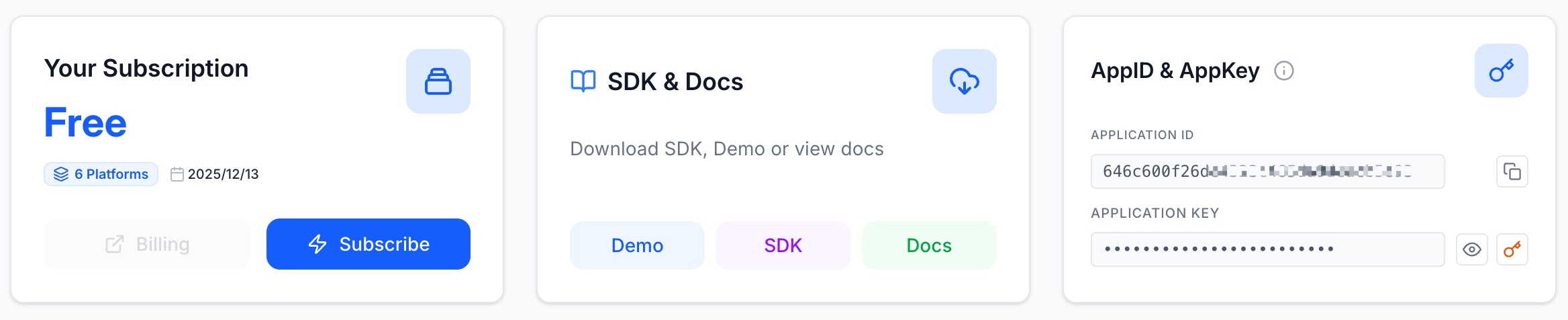
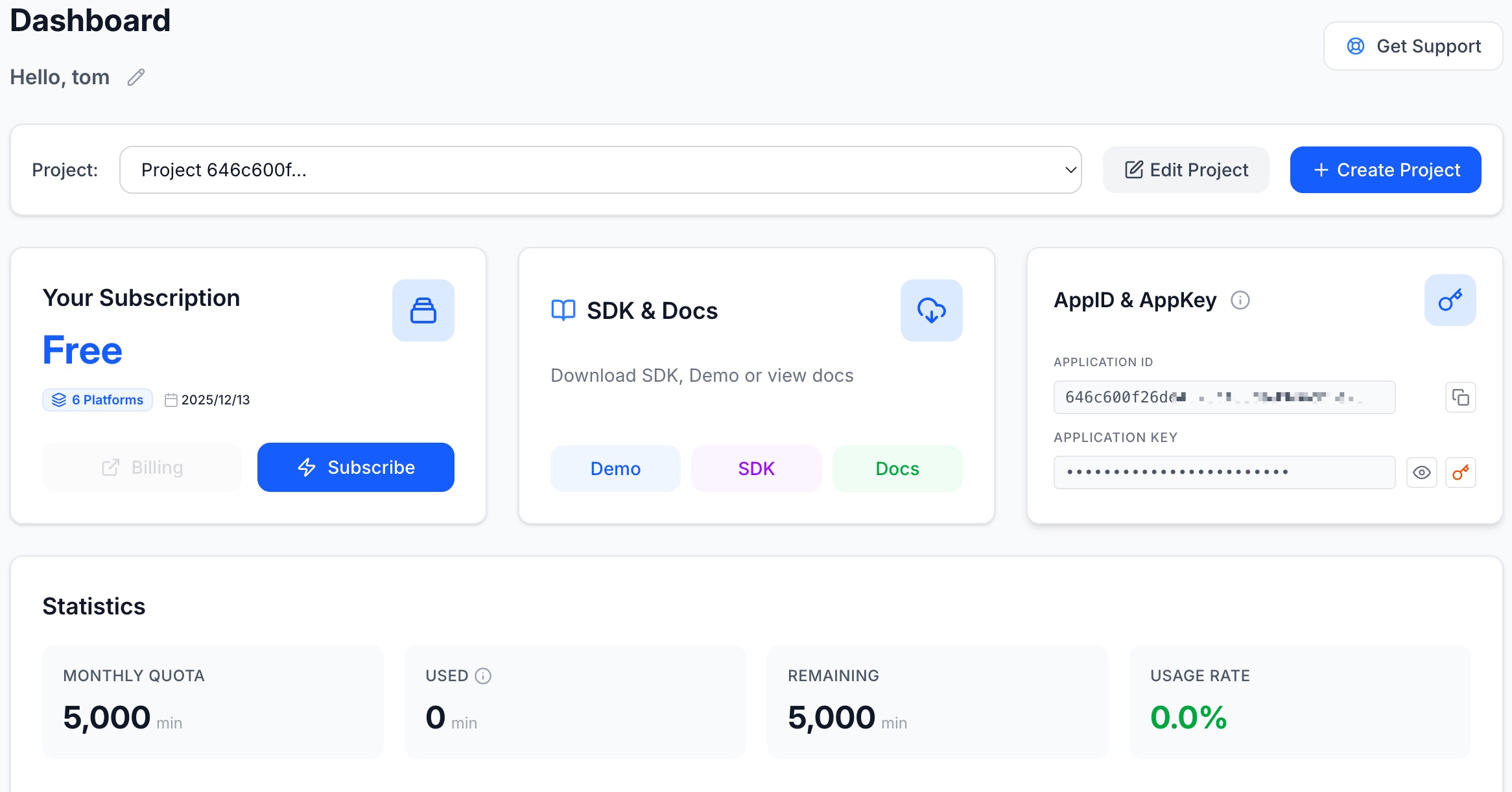
After registering and logging in to the dashboard, a default project will be created, displaying current subscription information and statistics. The default project is the free version.
Bind Application Information
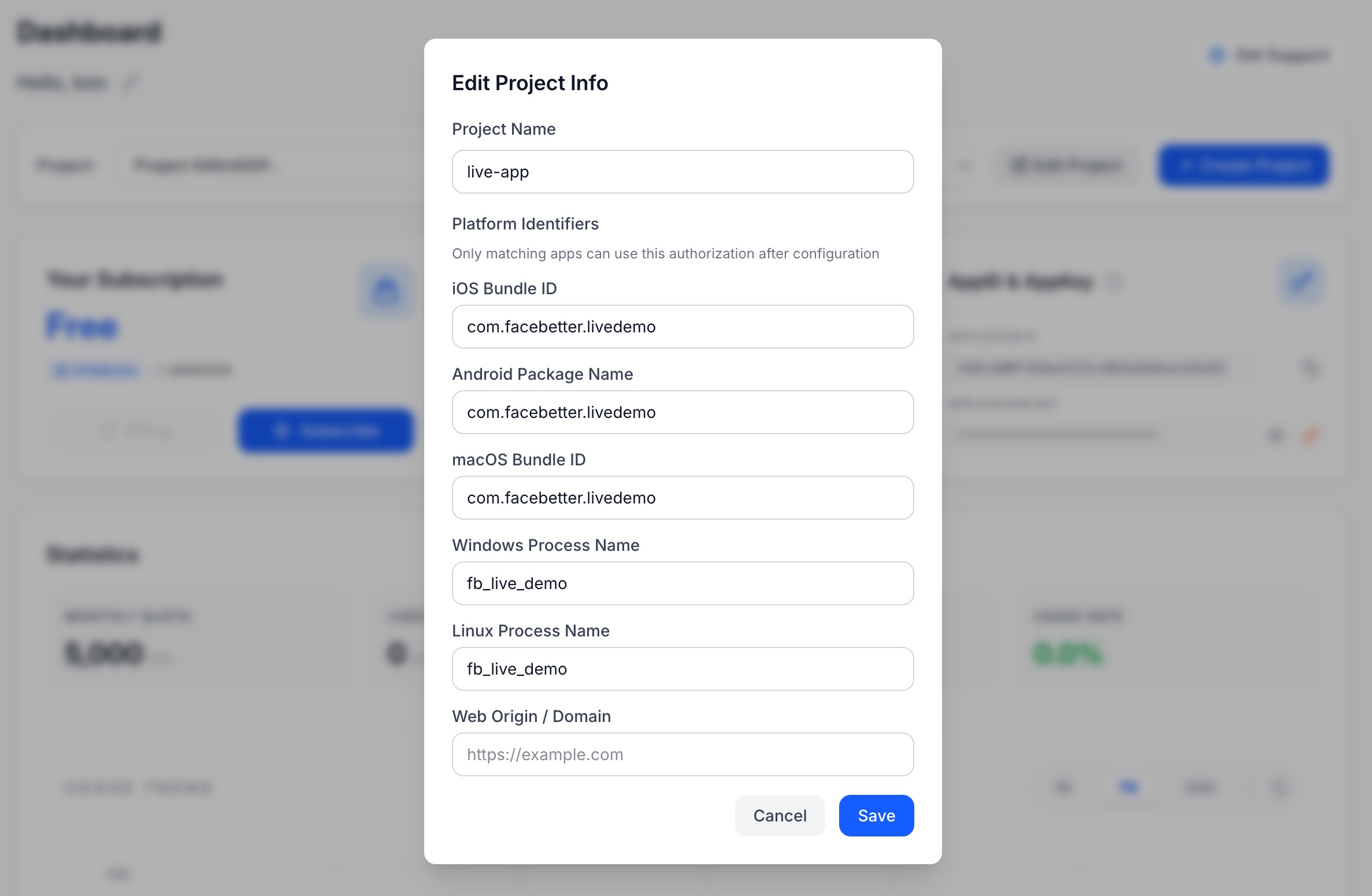
Facebetter SDK needs to verify the application's identity information during license validation to ensure the authorized application matches the actual application. Please provide the appropriate identifier based on your application platform:
- iOS/macOS: Bundle ID (e.g., com.example.app)
- Android: Application Package Name (e.g., com.example.app)
- Windows: Application Name or Executable File Name
- Linux: Application Name or Package Name
- Web: Application Domain (e.g., example.com)
- HarmonyOS: Application Bundle Name
Click the "Edit Project" button on the dashboard, select the corresponding identifier type for your application platform, enter the application identifier, and complete the application binding.
Subscribe to a Plan
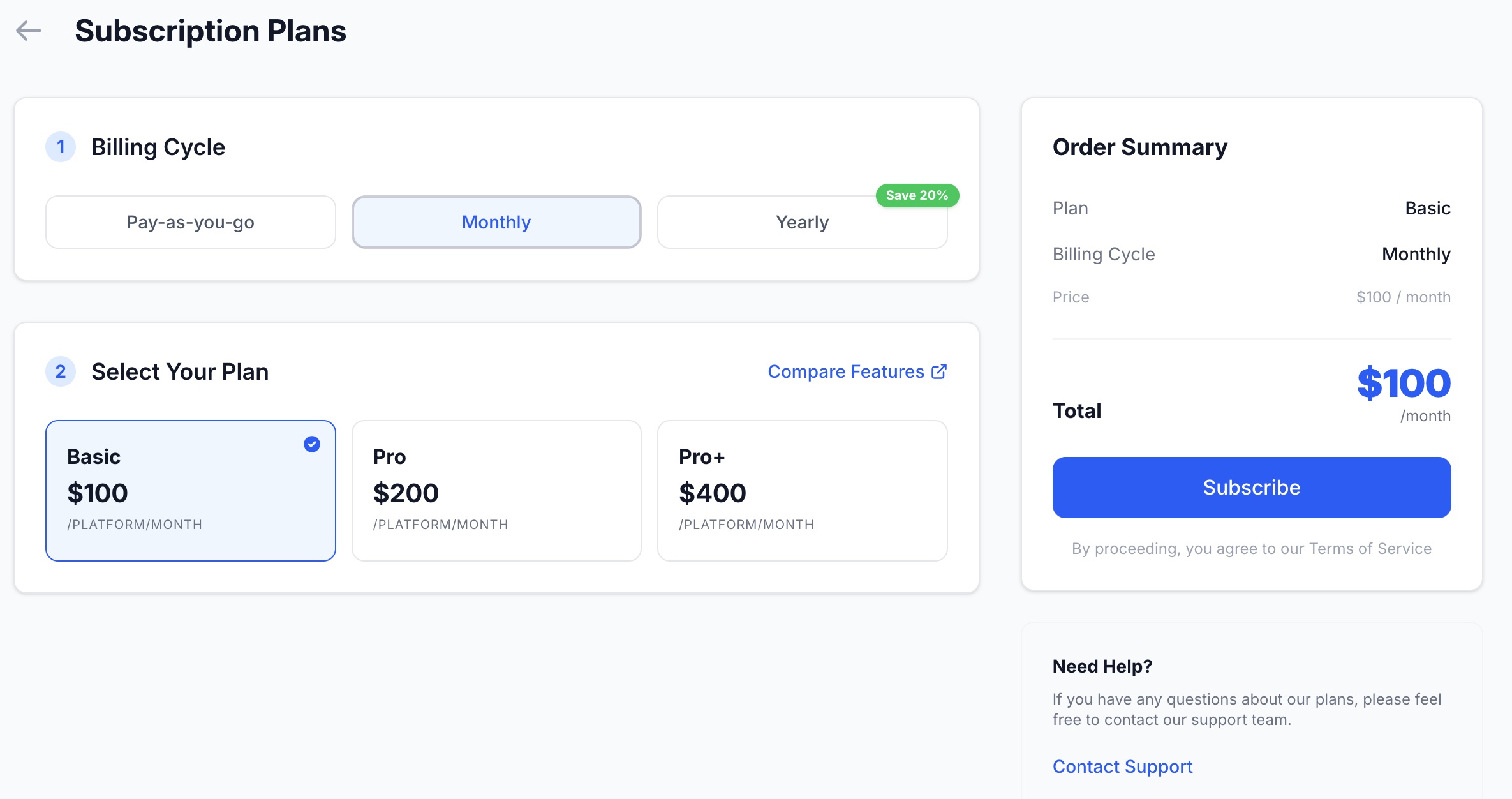
Click the "Subscribe" button on the "Your Subscription" card in the dashboard to enter the subscription selection page. Follow these steps to complete your subscription:
- Select Billing Cycle: Choose between Pay-as-you-go, Monthly, or Yearly billing (Yearly plans offer a "12 months for the price of 10" discount).
- Select Subscription Plan: Choose the functional version that suits your project needs (e.g., Pro+).
- Confirm and Pay: Verify the information in the order summary on the right, then click "Start Now" to proceed to Stripe for secure payment.
Get AppID and AppKey
In the Dashboard page, on the AppID & AppKey card, you can view your appid and appkey.